

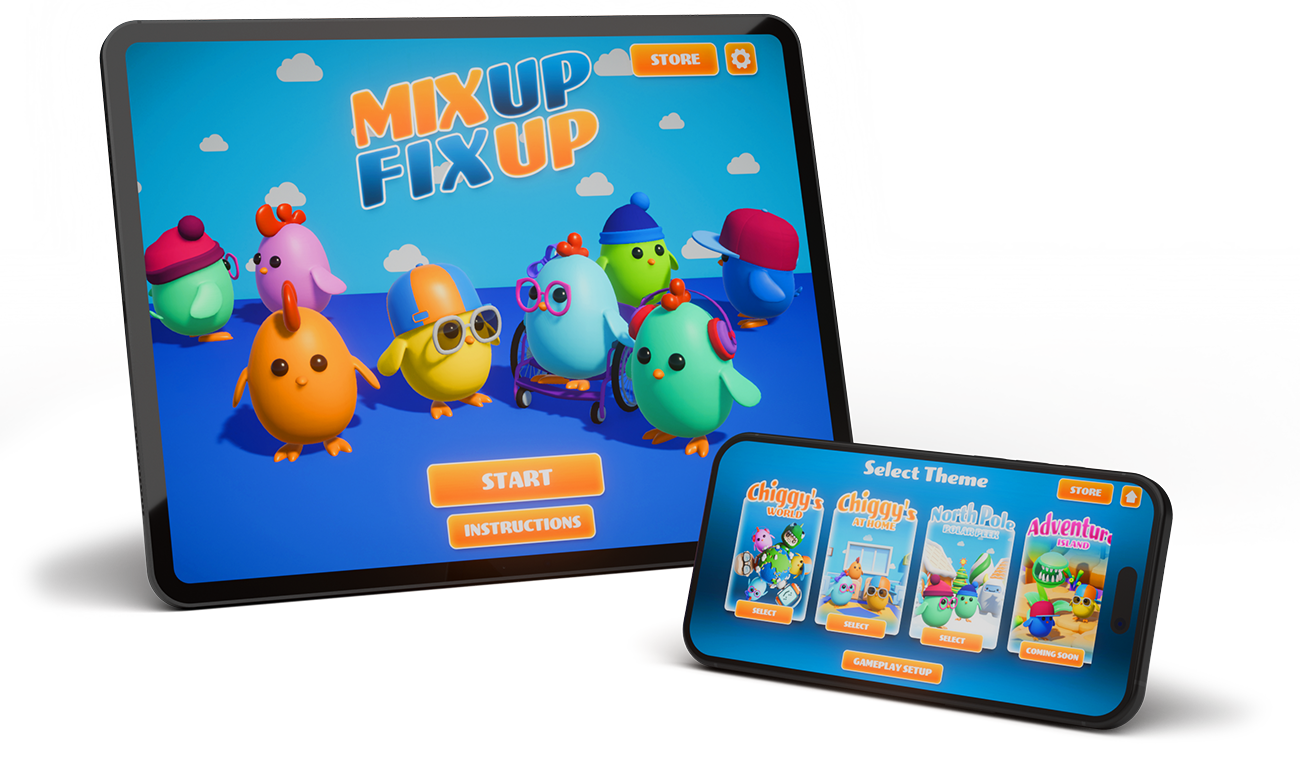

A Playful Memory Puzzle Built for Flexible Play
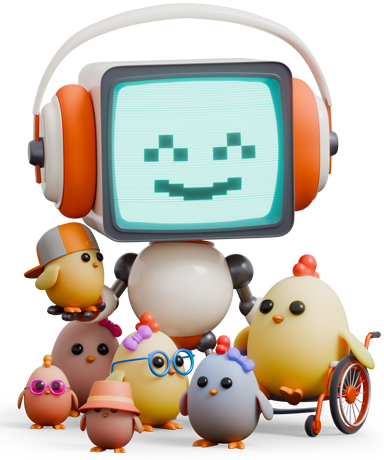
Welcome to the Chiggies’ World !
Children watch the scene, remember where the chiggies were, then drag them back into place. Adults can adjust the challenge with customizable sounds, visuals, timers, and difficulty levels.
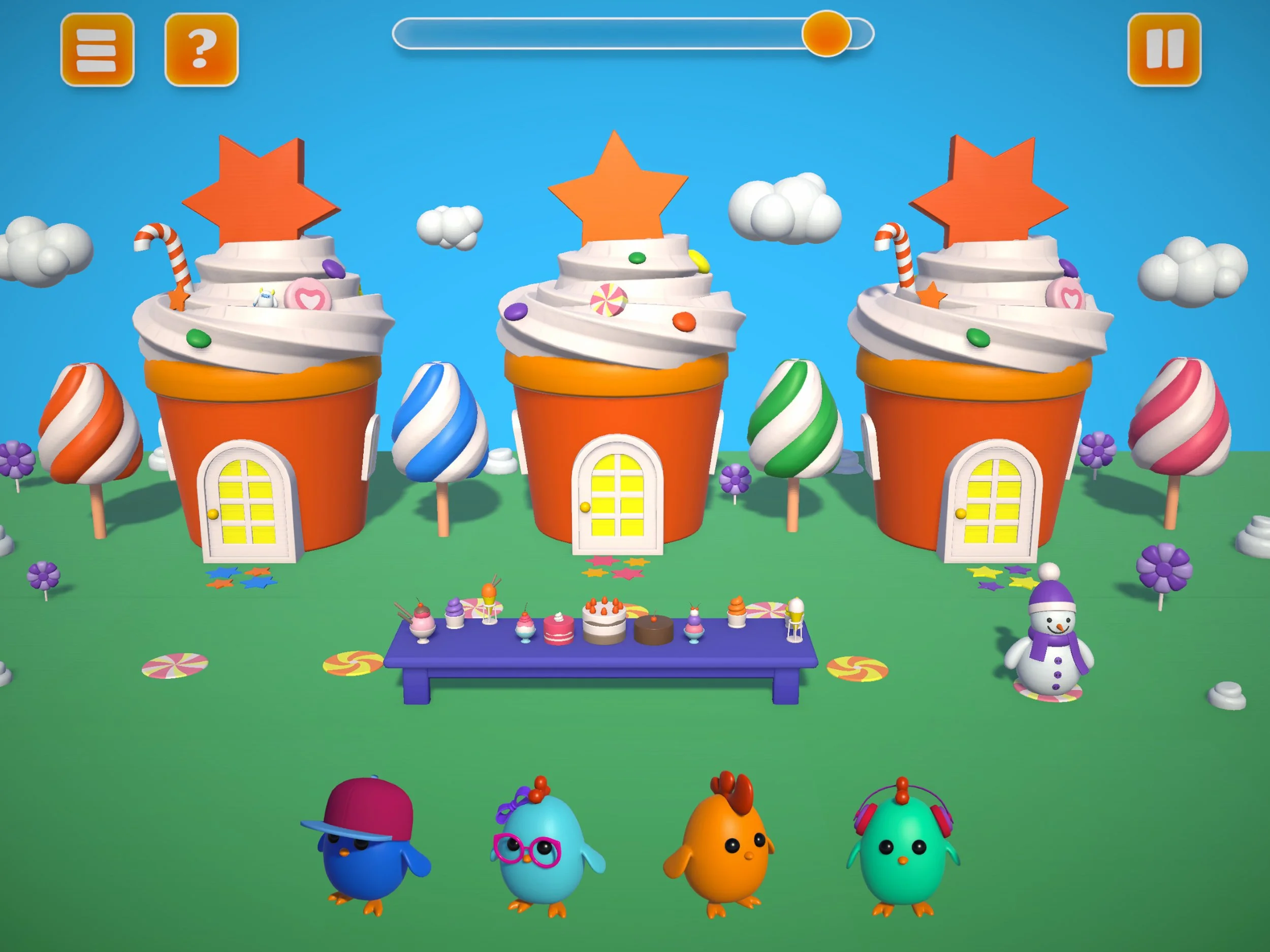
How to Play
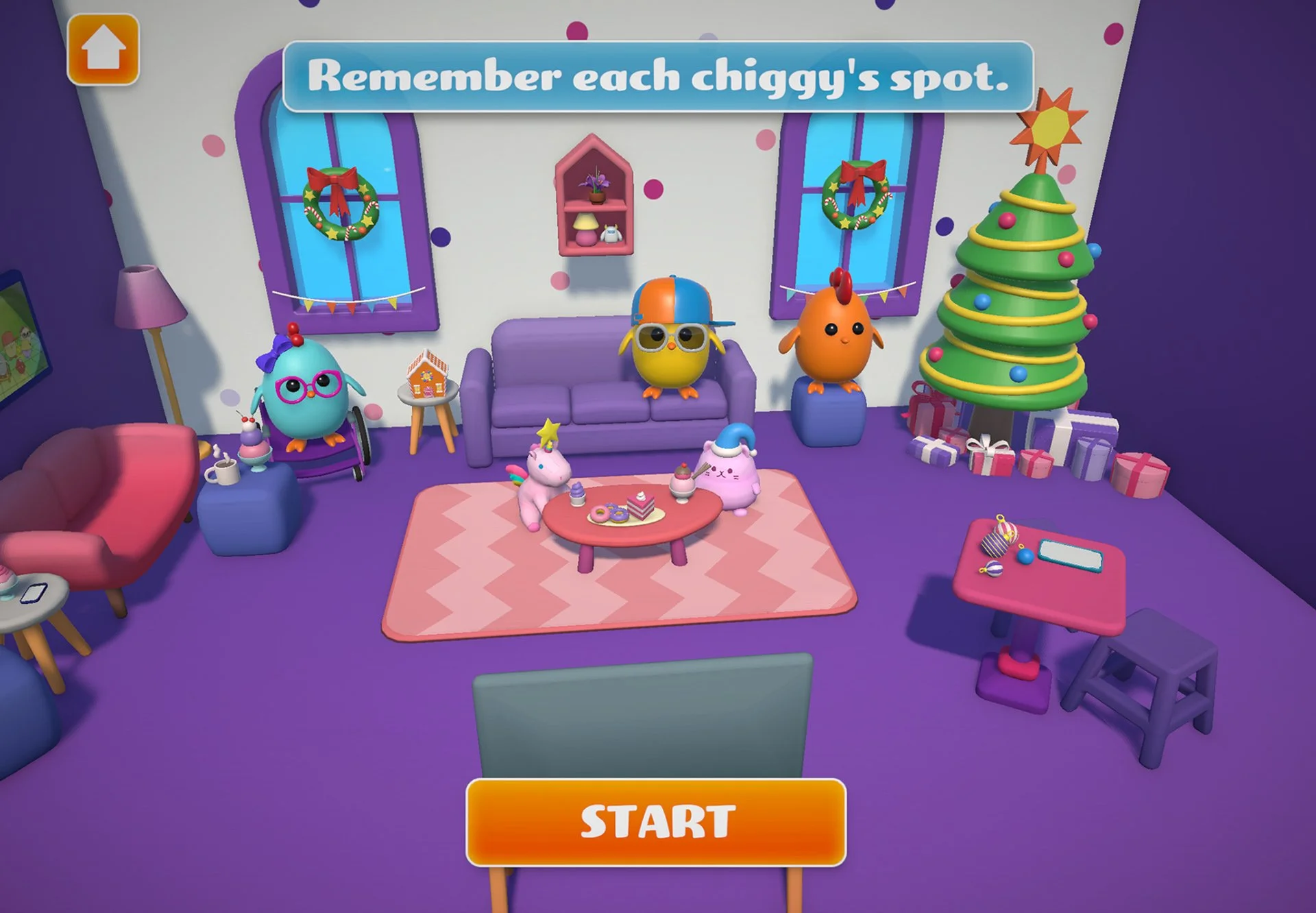
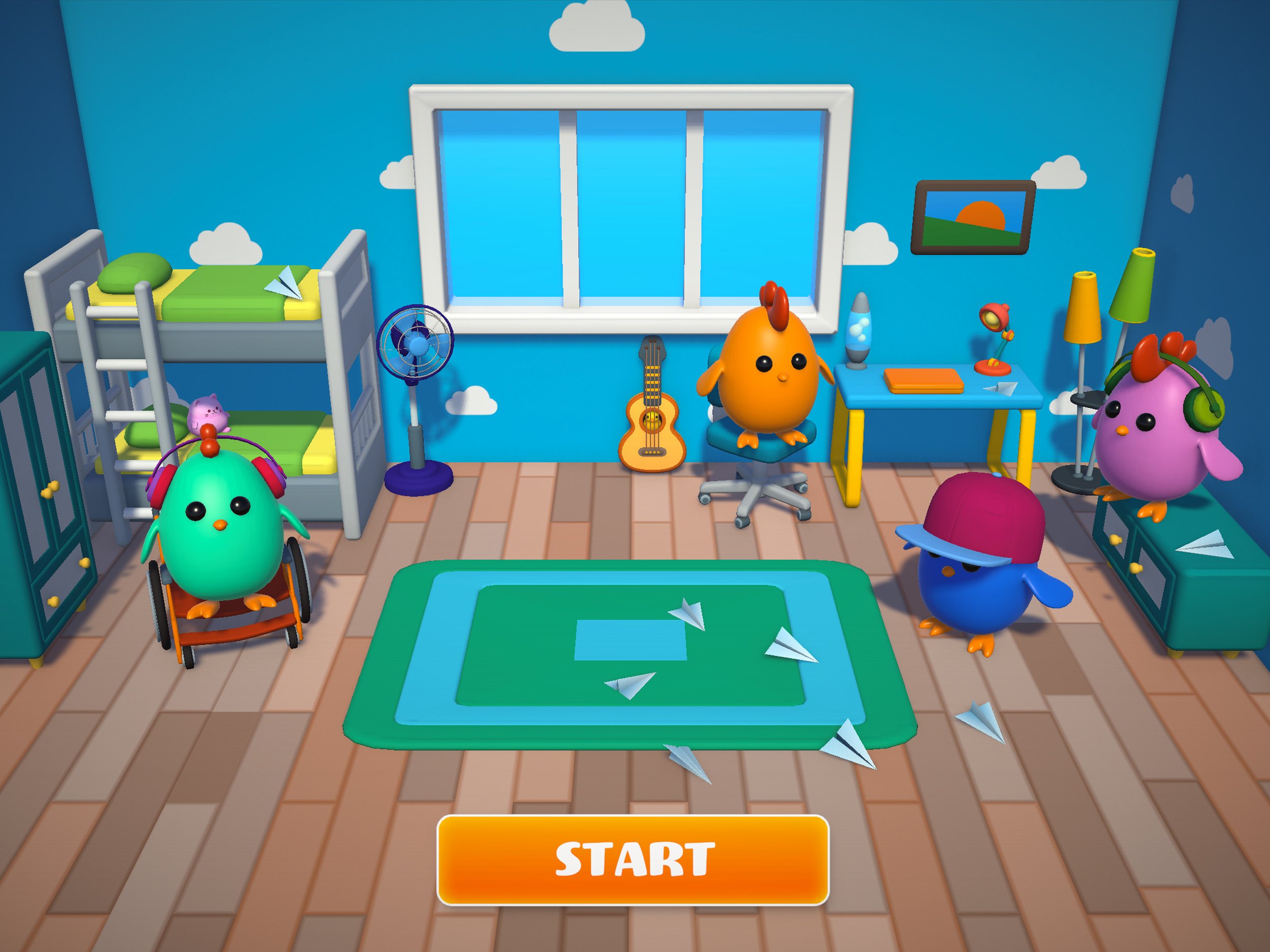
See it
Before the timer starts, you are prompted to "Remember each chiggy's spot." This stage encourages focused attention and visual scanning to take in the scene and the specific location of each chiggy friend.
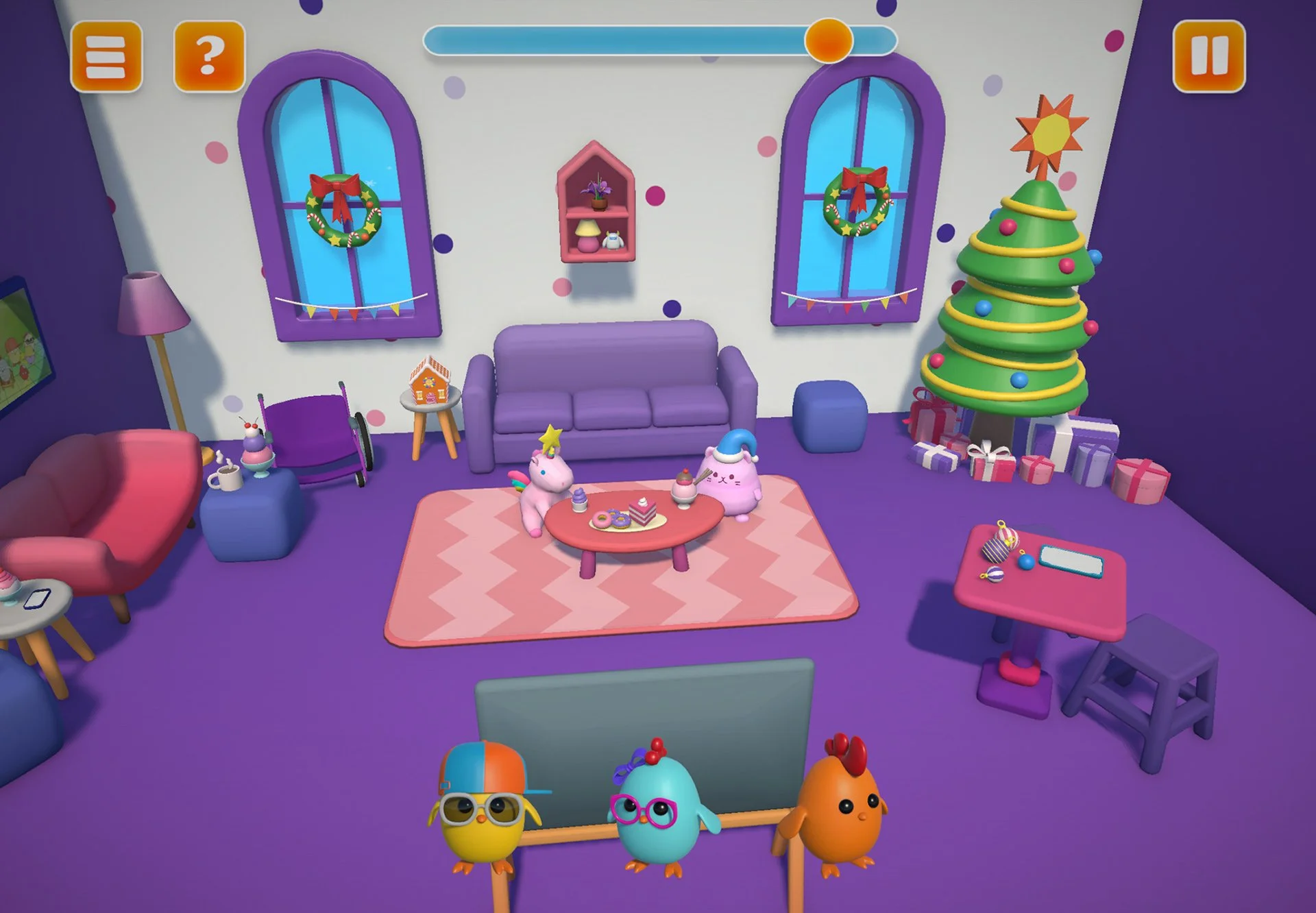
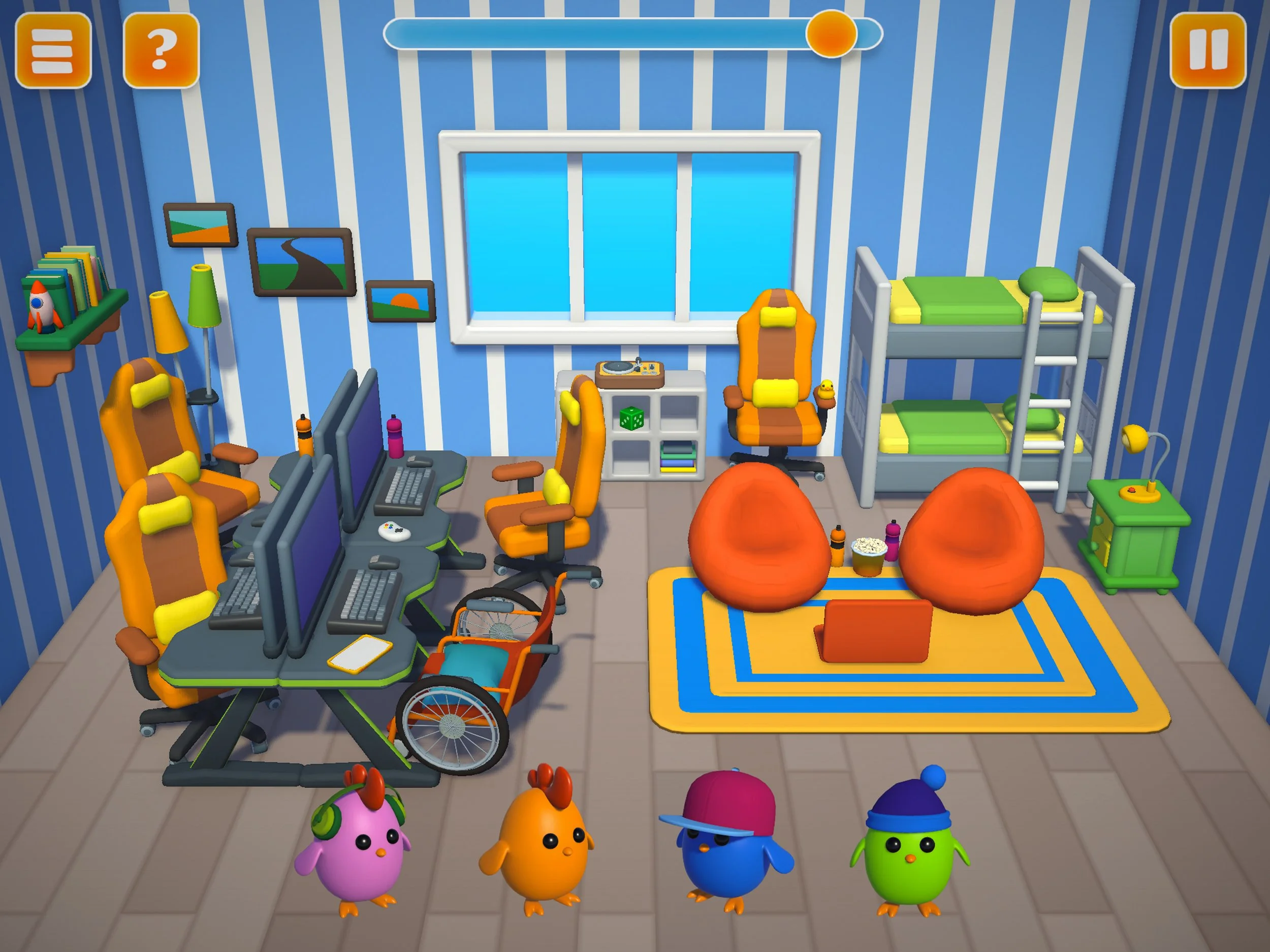
Remember it
The chiggies move to the front of the screen, clearing the room. Players must use working memory to remember where each chiggy goes in order to help fix up the scene.
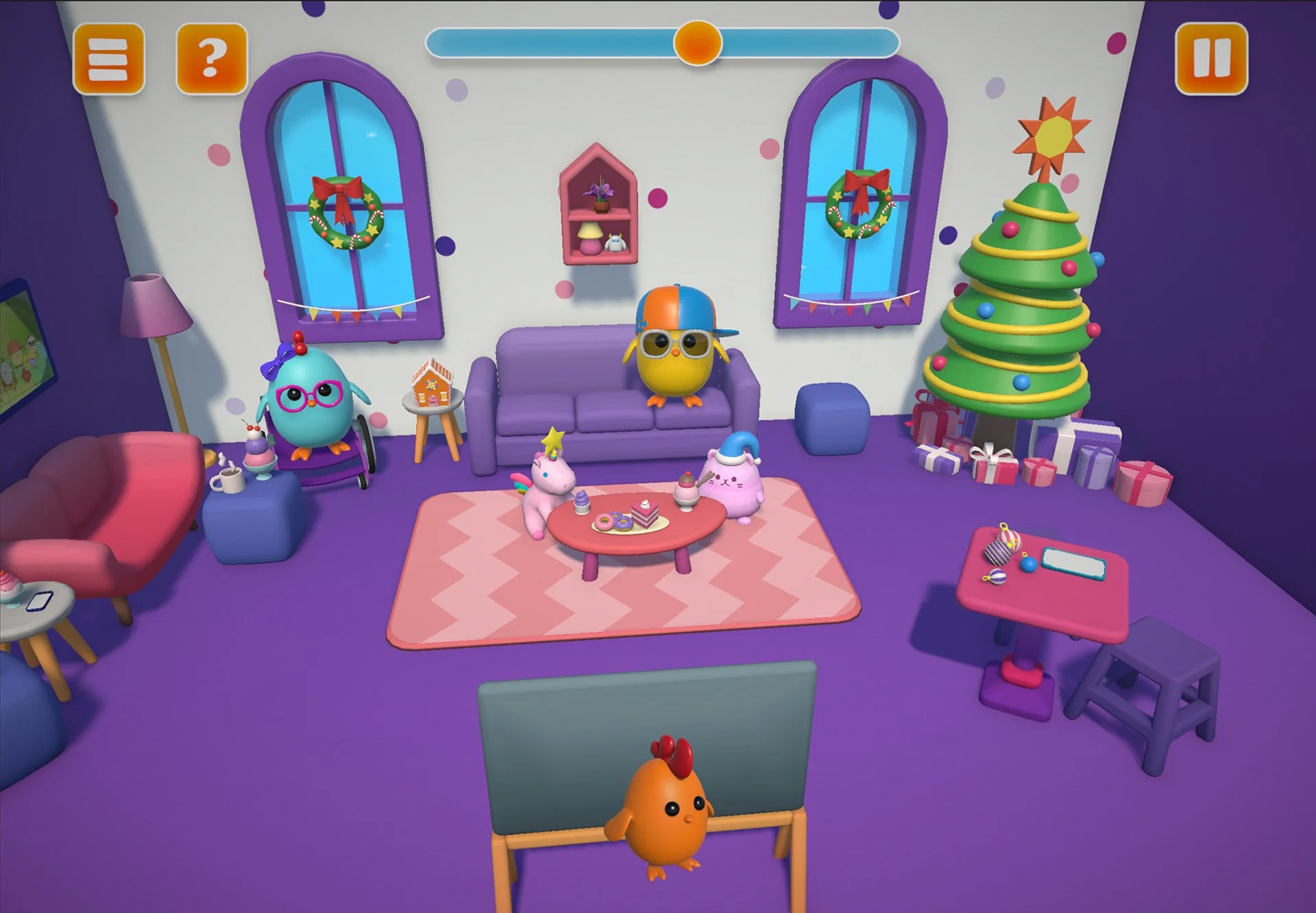
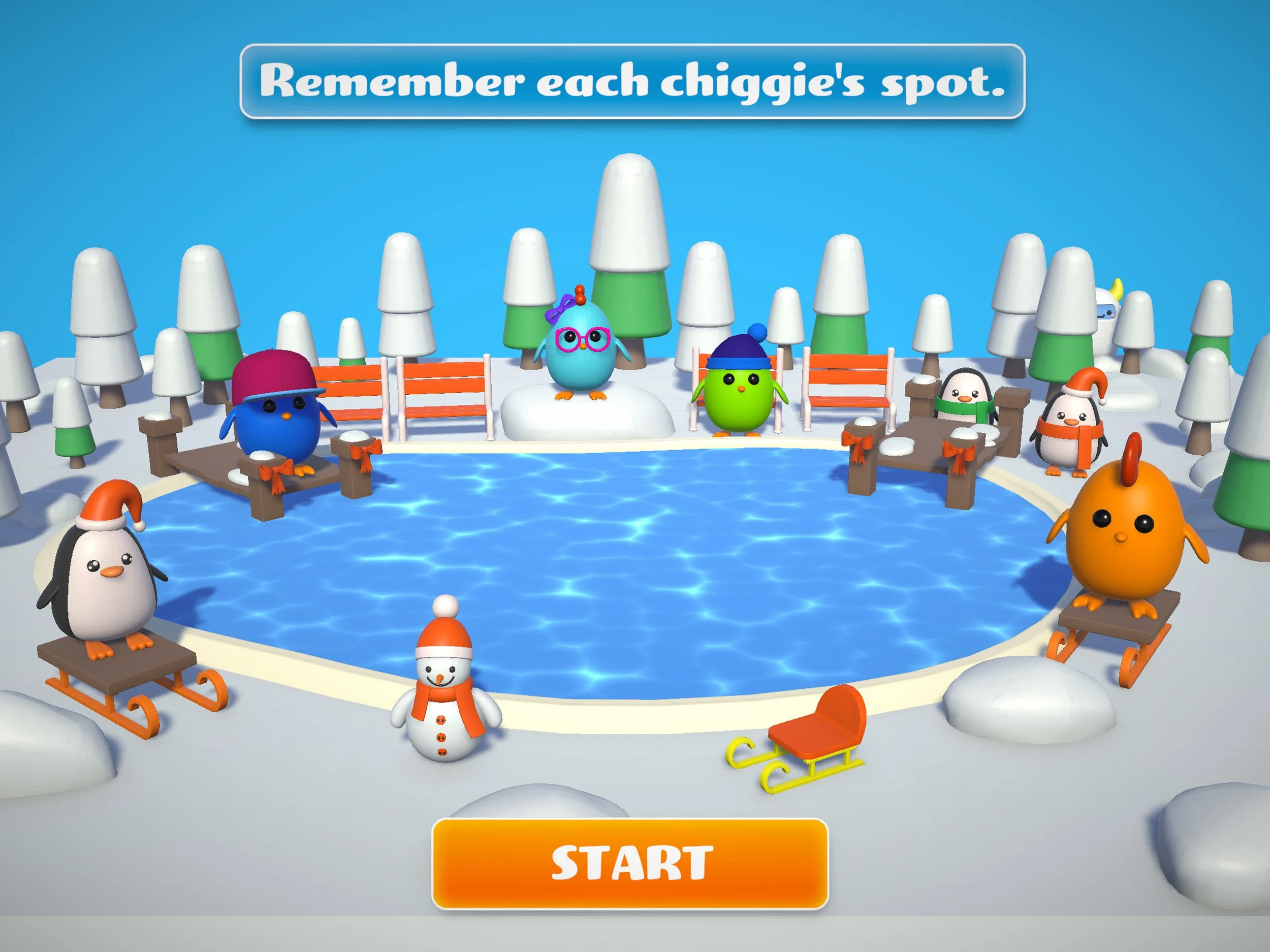
Create it
Players recreate the original scene by dragging chiggies back to where they belong in the scene. If nothing is mixed up, the chiggies celebrate with the player.
Play Your Way:
Access & Agency for Players
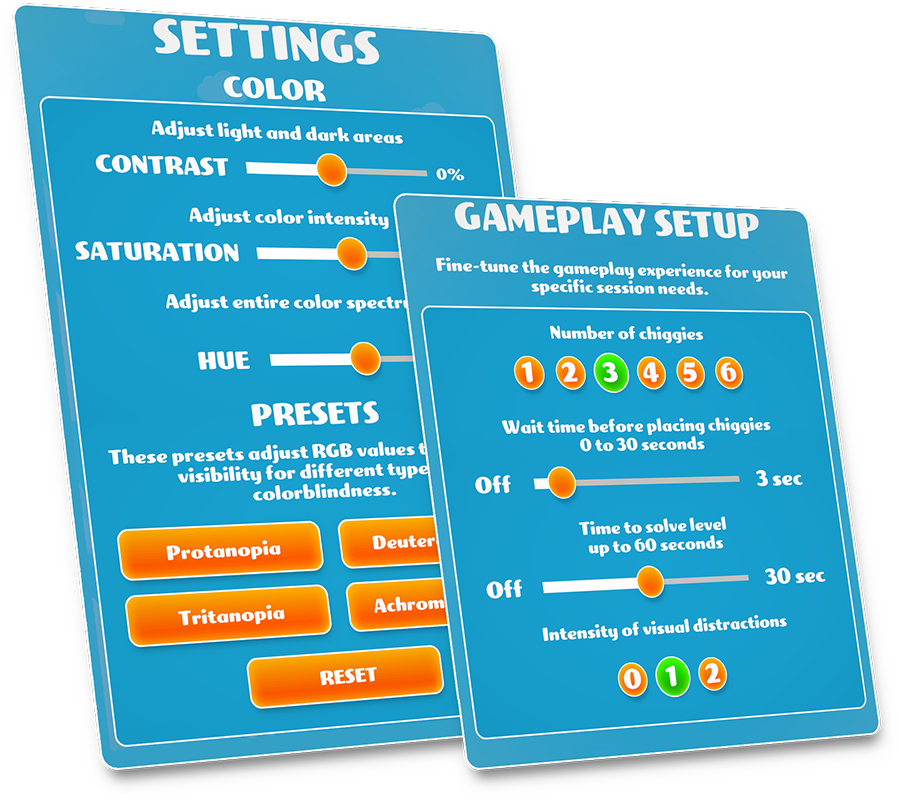
Every player is different, so MixUp FixUp includes flexible settings to support access and tailor play to match player’s strengths and preferences.
See it your way: full color controls and contrast settings
Set your pace: control the time a player has to remember the scene and to recreate it
Find your challenge level: start small with one or two characters, or add more for a bigger memory workout
Choose sensory settings: add or reduce sounds, animations, and visual clutter to match your preferences
Available Themes
-
![MixUp FixUp free demo theme pack of Chiggy's World, showing characters standing around a cartoon planet Earth.]()
Chiggy's World: Free Demo
-
![MixUp FixUp gameplay screenshot of the 'At Home' theme, featuring Chiggy the character in a cozy, colorful indoor setting.]()
Chiggies at Home
-
![A snowy North Pole game scene from MixUp FixUp, featuring icy landscapes and winter-themed items for visual memory practice.]()
North Pole: Polar Peek
-
![MixUp FixUp Adventure Island theme image showing the chiggies exploring outside.]()
Adventure Island
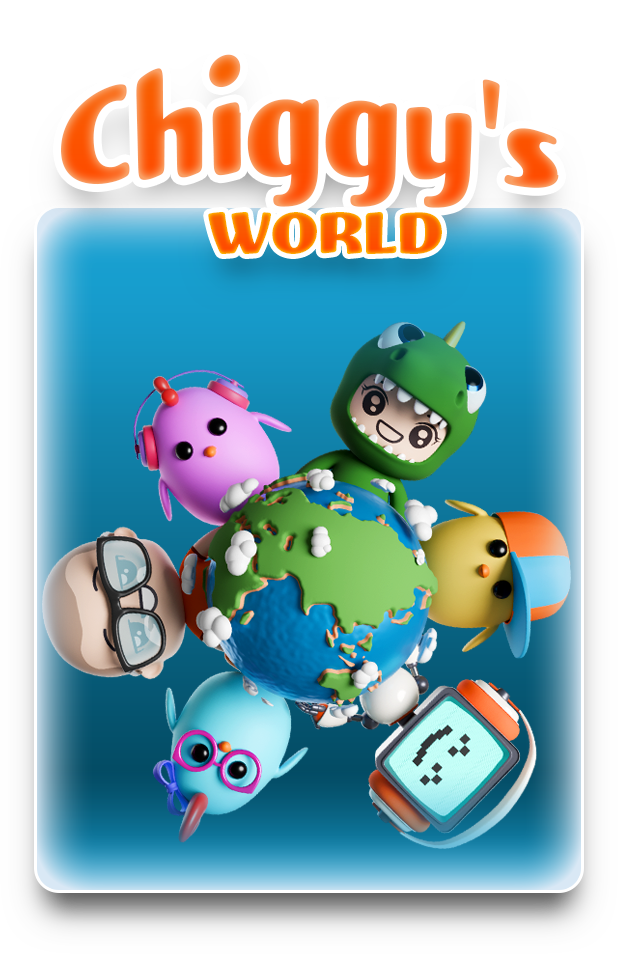
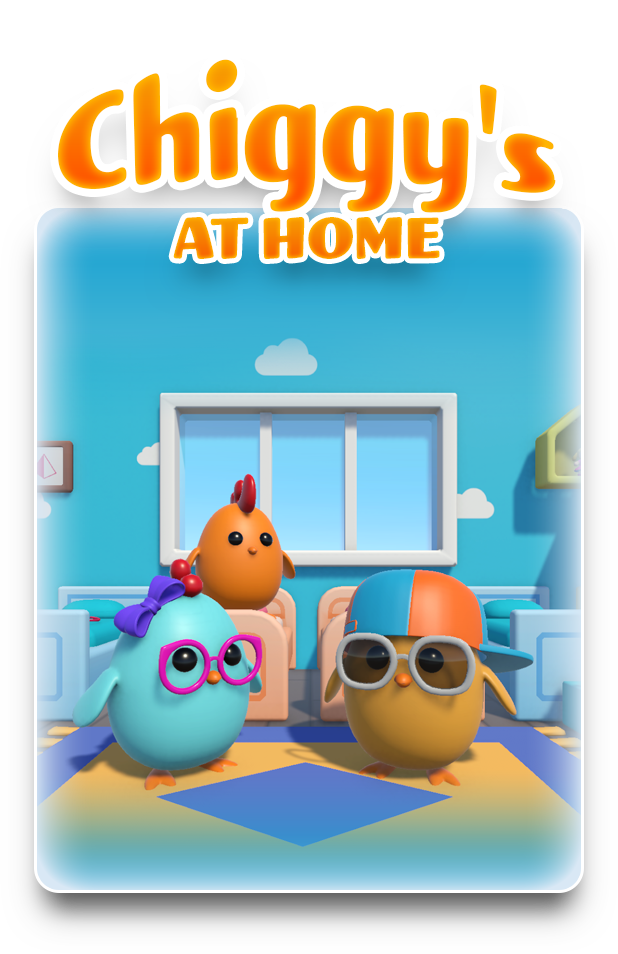

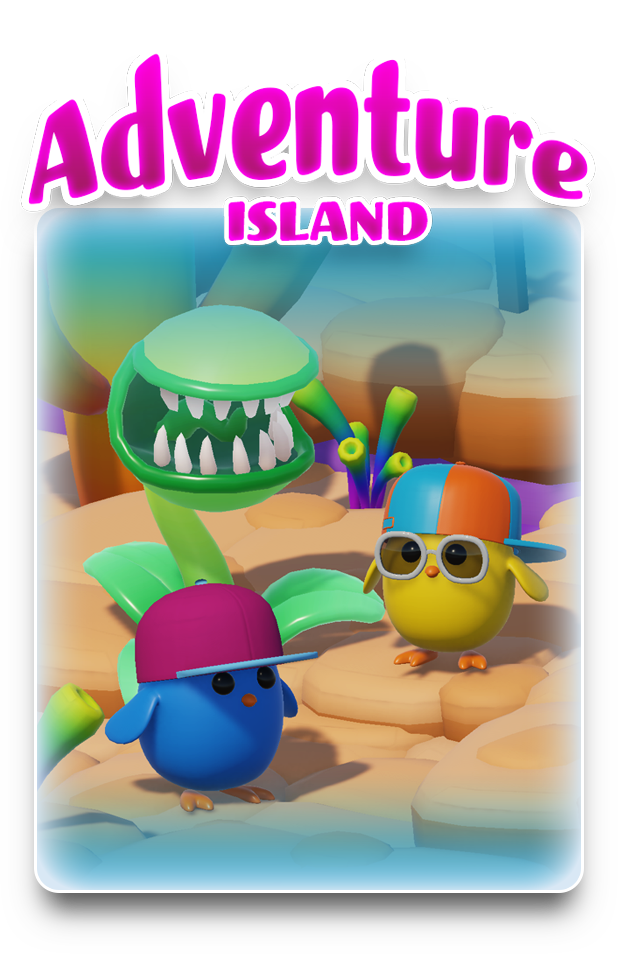
MixUp FixUp is fun on the surface, but it is rooted in evidence-informed design and therapeutic frameworks to help players strengthen skills and build confidence for everyday life. Learn more about some of the skill areas this game can be used to target below.
Skills for Life, Learned Through Play
-
Holding the visual details of the scene in mind during the delay. Crucial for retaining information, following multi-step instructions, and performing mental math.
-
Sustaining focus across the different phases of game play. Supports focus during classroom lessons, complex tasks, or conversations.
-
Retrieving visual information and acting on it to place the object before timing out. Supports learning, decision-making, and task completion.
-
Checking if placements are accurate and adjusting strategies mid-task. A fundamental executive function skill for self-awareness and changing course without adult guidance.
-
Figuring out what is happening within a scene based on the characters and objects. Supports social understanding, reading comprehension, and problem-solving.
Cognitive Skills
-
Controlling finger and hand movements for accurately tapping and dragging of objects. Supports skills like buttoning clothes, writing, and using small tools.
-
Combining precise motor movements with visual input to place items exactly where they belong. Essential for catching, hitting a ball, cutting with scissors, and typing.
Motor Skills
-
Following the verbal instructions, descriptions, and cues provided by the game or support person. Helpful for understanding what is asked in the classroom, following directions, and comprehending stories.
-
Describing the scene's objects, characters, and their relative placements to aid memorization or communication with a partner. Supports clear articulation of thoughts, ideas, and observations.
-
Retelling what was in a scene, or creating a brief narrative about what might have happened just before or after the scene was set. Helps organize thoughts sequentially, a key skill for writing and explaining events.
Language & Academic Skills
Visual Perceptual Skills
-
Recording, storing, and retrieving information about the scene's details. Necessary for copying from a whiteboard, recognizing places, and remembering faces.
-
Identifying a character even if its size, position, or orientation changes. Needed to recognize letters/numbers regardless of font, or an object from different angles.
-
Locating key characters within a scene. Supports finding toys and other belongings in a messy room or schoolbag.
-
Identifying details, seeing similarities, and differences between the original and created scene. Essential for differentiating between similar letters (b/d) or patterns.
-
Determining the correct position of characters relative to one another within the boundary of the scene. Supports navigation, organizing belongings, and understanding directional words.
-
Identifying a character or object based on a partial view (e.g., if part of an item is blocked). Helps speed up reading and comprehension when details are incomplete.
-
Accepting feedback/errors without quitting, returning to the task. Supports emotional regulation and persistence when facing new or challenging academic or social tasks.
-
Experiencing positive feedback and celebrating effort and growth when completing a level. Builds self-efficacy and encourages a growth mindset towards learning.
-
Interpreting a scene and the characters within it. Supports empathy and understanding social cues in the real world.
-
Collaborating with a peer or adult to complete the task by alternating turns in placing pieces or completing levels. Foundational social skill helpful for cooperative play and conversation.
Social and Emotional Skills
A Game Designed with Parents & Professionals in Mind
Create the “just right" challenge with precision controls to support learnings styles and preferences:
Adjustable Cognitive Load: Easily scale the complexity by choosing the number of details to remember (from 1 to 6), ensuring the player is challenged but never overwhelmed.
Precision Pacing Control: you set the “Memory Window" (how long a scene need to be remembered) and the “Creation Window" (how much time the player has to recreate it).
Manage Sensory Stimuli: Fine-tune the environment by adjusting visual clutter, animations, and auditory distractions to match the player’s current sensory needs.
MixUp FixUp is more than just a digital game; it’s a customizable tool designed to bridge the gap between the therapy clinic and the living room. Built on an intuitive “See it, Remember it, Create it" framework, this easy to learn game can evolve alongside the player.
Whether you’re a professional targeting specific clinical goals or a parent supporting learning on the go, our deeply adjustable settings allow you to dial in the “just right" challenge. It’s a motivating, easy-to-use companion that turns therapy sessions and practice at home into a win for everyone.
Use This App As…
A Brain Warm Up
Use the game as a high-engagement "primer" to wake up the brain and body before diving into more demanding activities.
Connection Builder
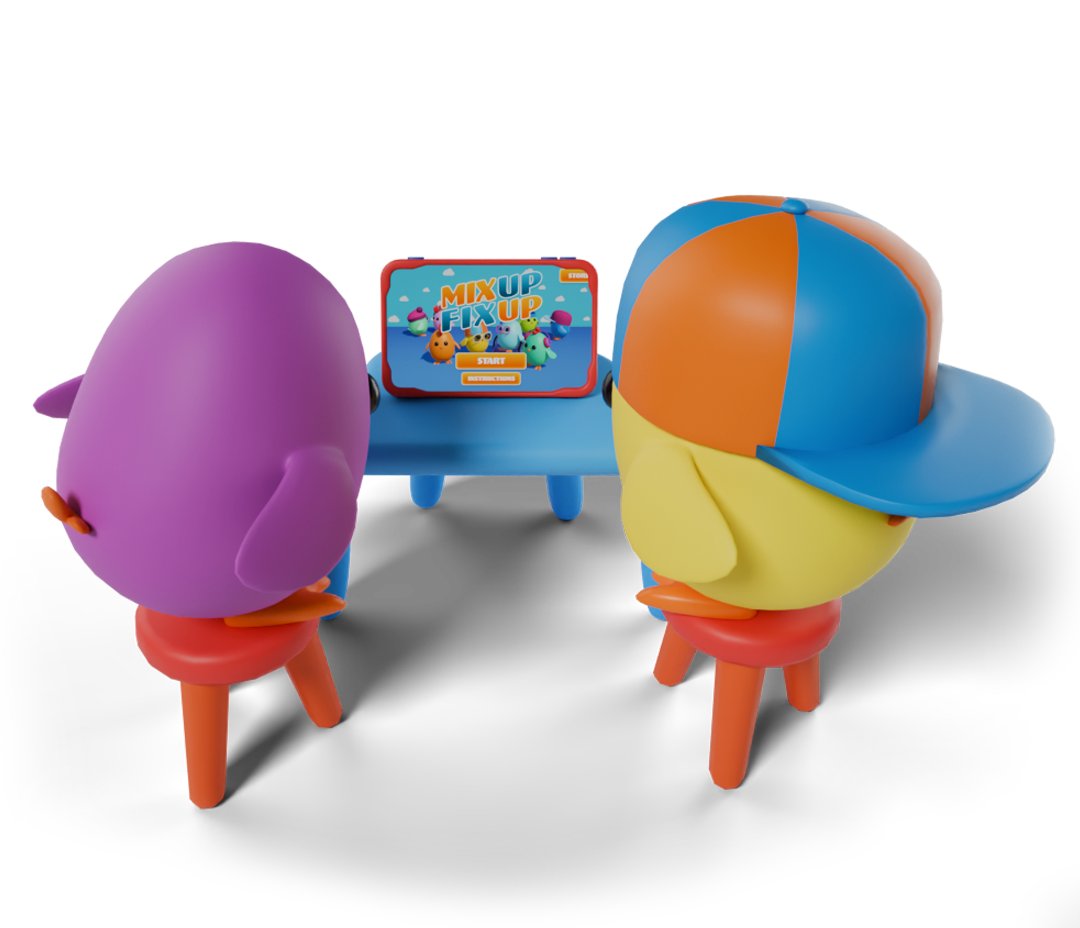
Foster social-emotional connections by working as a team, taking turns, or “helping" to fix the scene. Use the game as a low-stress catalyst for meaningful interaction and joint attention.
A Direct Teaching Tool

Explicitly model executive functioning, visual scanning, working memory, and motor skills in a low-stakes environment.
A “Just Right” Break
Reset focus between difficult tasks with a quick, successful round of play that supports engagement without overstimulating.
Progressive Home Program
Empower parents with a “prescribed" play routine that targets specific goals (like increasing cognitive load) between weekly therapy sessions.
Transition Support
Use the game as a predictable “bridge" activity to help players move from high-energy play to a seated task, or to ease the shift into and out of a session.
Commitment to Inclusion
Inclusion is fundamental to everything we build. At 1UP Studio, we want to ensure that every player, regardless of how they see, hear, or process information, feels invited to play.
Visual Flexibility: Tailor contrast, colors, and clutter to meet low-vision or sensory needs.
Cognitive Support: Scale complexity and pacing to find the "just-right" challenge.
Auditory Control: Manage soundscapes to support focus and reduce overstimulation.
MixUp FixUp FAQs
-
We offer two options, a monthly subscription and a one-time lifetime access purchase option.
-
Once downloaded, you can play MixUp FixUp entirely offline, perfect for play when traveling, seeing clients in the community, and when wi-fi connection is limited.
-
You can adjust audio and visual settings in the settings menu located on the home page - just tap the cogwheel to access.
Timers, distraction levels, and other cognitive load features are located in the gameplay setup menu. Once you tap the start button you can adjust gameplay options.
Learn more about the game’s accessibility features here.
-
Yes! You can download the free demo, Chiggy’s World, from the Apple App Store. This allows you to experience the core mechanics before deciding to unlock the full suite of themes and additional levels.
The free demo includes sample levels from each theme and difficulty level.
-
This game is currently available in:
Deutsch
English
Español
Français
Japanese
Portuguêse (Brasil)
We plan to continue adding additional languages.
1UP Studio is in the lab crafting playful experiences.
Have questions or ideas?
Drop us a line below—we’d love to hear from you!